TasmoAdmin
TasmoAdmin is an administrative Website for Devices flashed with Tasmota.
You can find it here: TasmoAdmin GitHub. It supports running on Windows, Linux and as Docker container.
Features~
- Login protected
- Multi Update Process
- Select devices to update
- Automatic Modus downloads latest firmware bin from Tasmota GitHub
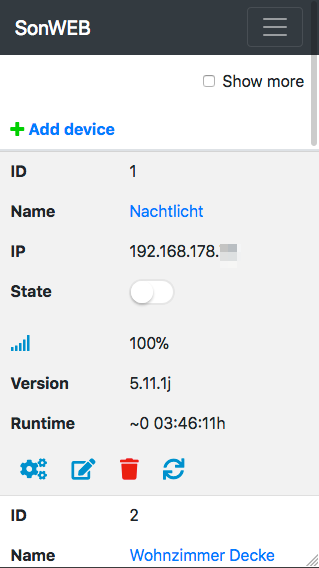
- Show device information
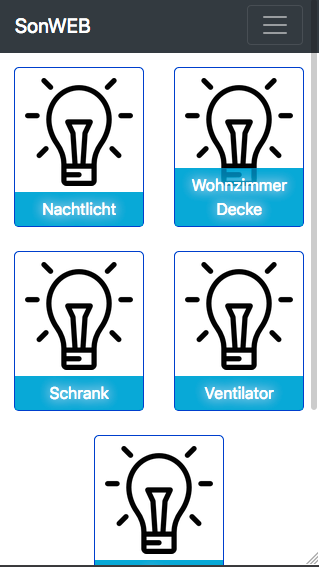
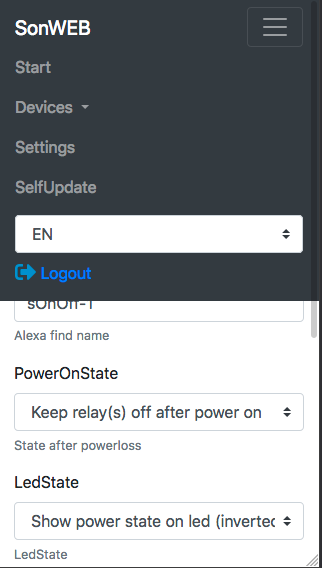
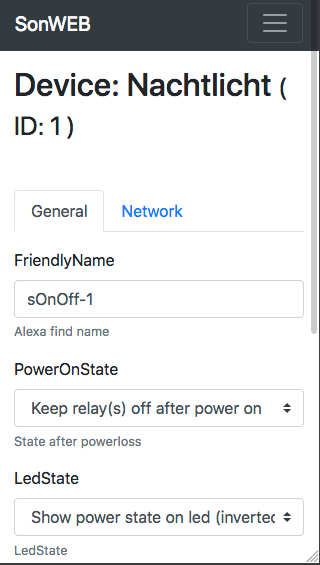
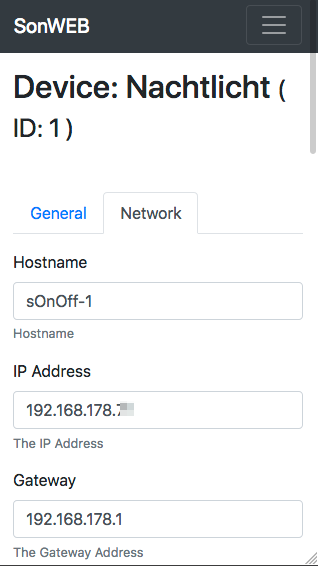
- Mobile Responsive (Bootstrap4)
- Config devices
- SelfUpdate function for TasmoAdmin (disabled for Docker)
- NightMode (Enable/Disable/Auto) in settings
- AutoScan to find Tasmota Devices
- Support for multiple sensors
- chat (beta)
Installation~
Windows~
A ready to use TasmoAdmin-XAMP-Portable-*.zip is available on the release page and is based on XAMPP.
- Download the XAMPP Zip package from the releases page
- Extract the Zip (recommend to put the xamp folder on C:\
- Run once the xamp\setup_xampp.bat
- Start xampp-control.exe
- Start Apache in the opened ControlCenter
- Get your local IP Address
Now you can type in your browser http://YOURLOCALIP and TasmoAdmin shows up.
Linux~
Running TasmoAdmin on a Linux/Unix hosts requires the following: * A Webserver * apache2 recommended * php7 recommended (works with php5 too) * php-curl php-zip Modules installed
You need to install a web server with php-zip and php-curl modules installed. Also mod_rewrite must be enabled. I suggest to look in the Guide for Ubuntu Server 16.04 and try to adjust it to your server OS.
Docker~
TasmoAdmin is available as a Docker image at Docker Hub. This is a Linux Alpine (3.7) based image with Apache2 and Php7 installed. It supports multiple architectures, amd64 (i.e. Synology DSM), arm (i.e. Raspberry PI3) and arm64 (i.e. Pine64).
Example Images~
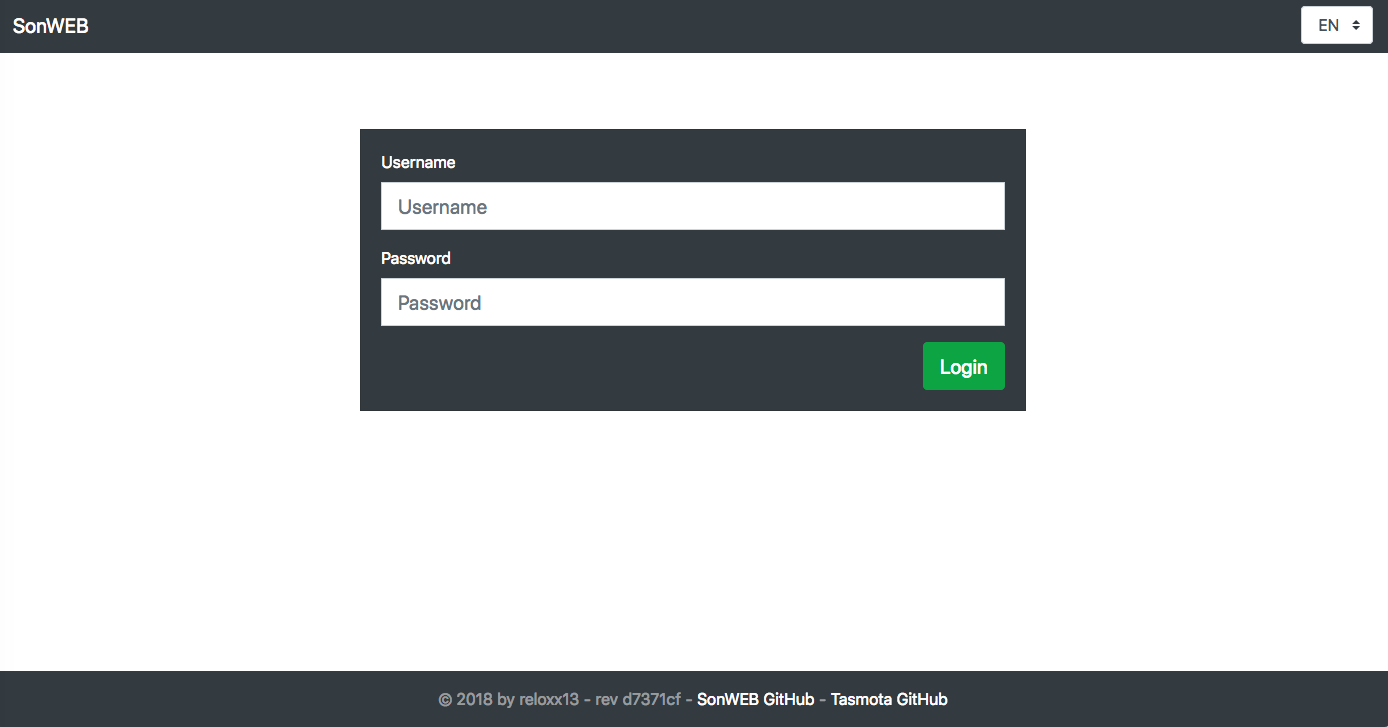
Login Page~
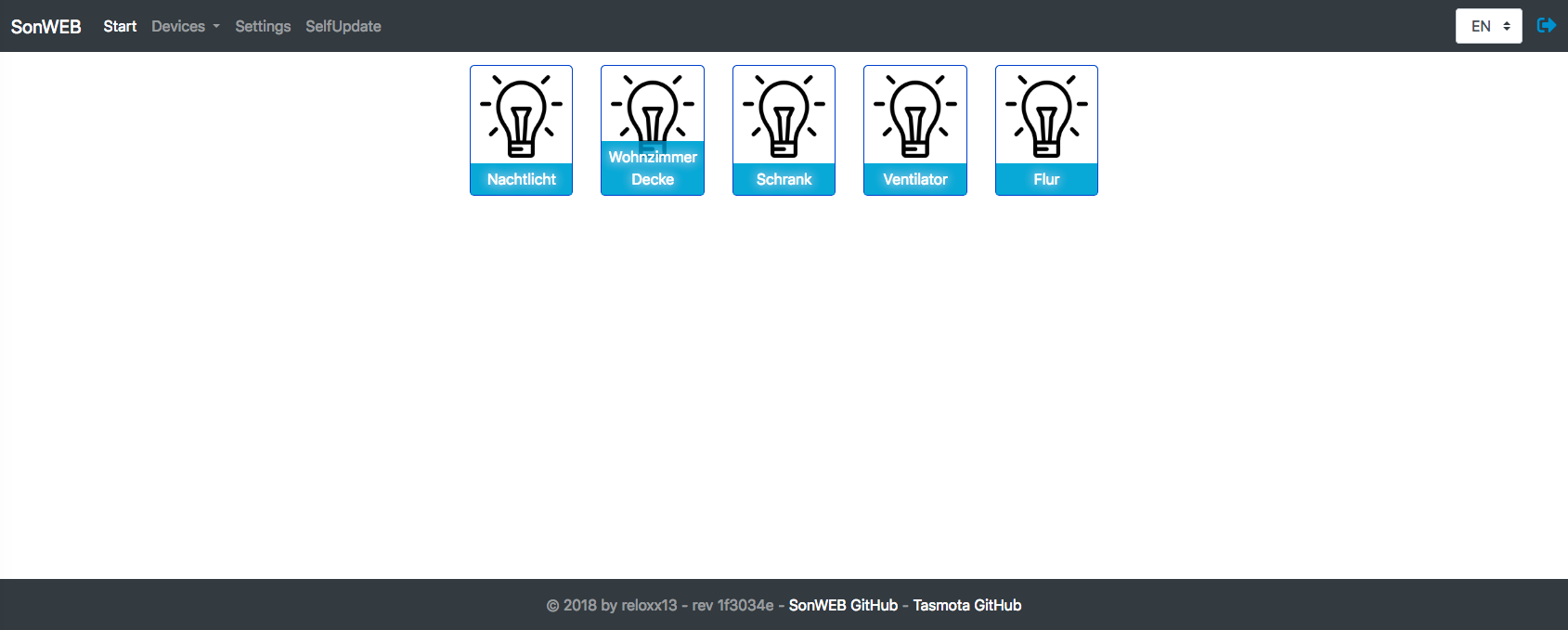
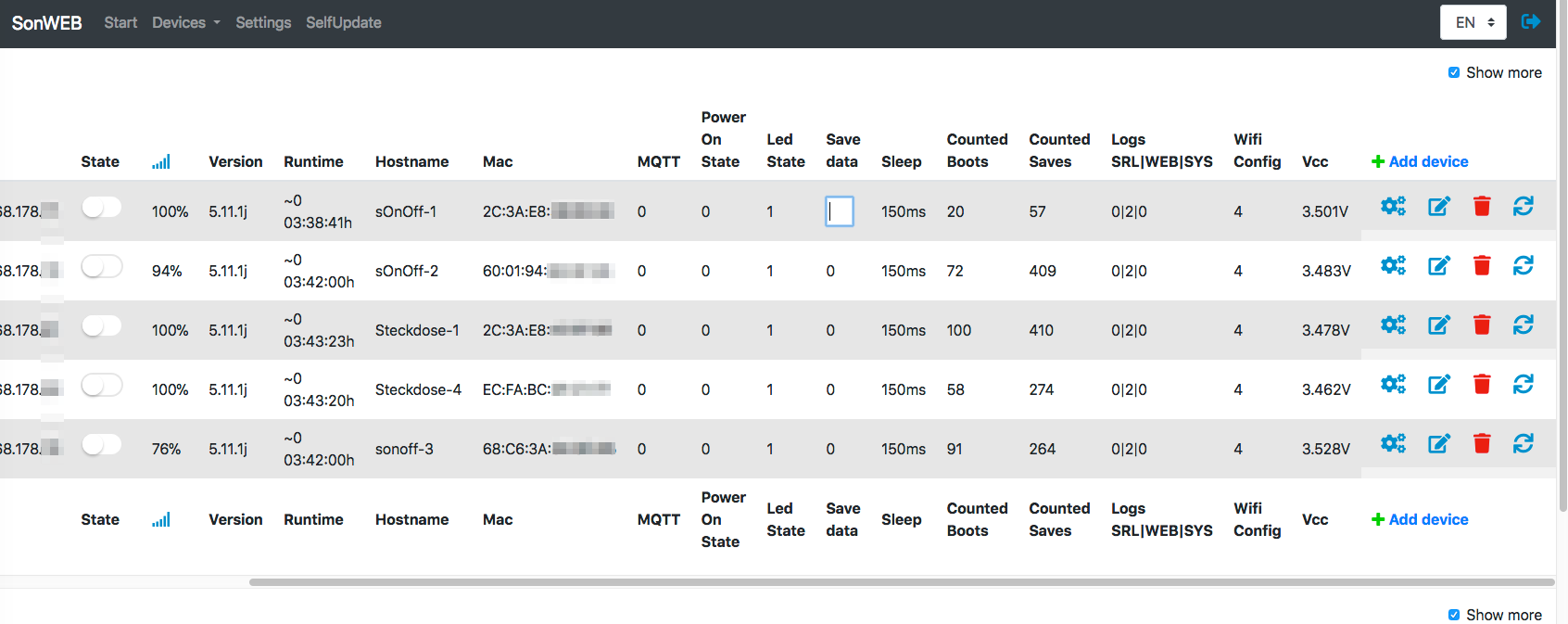
Start Page~
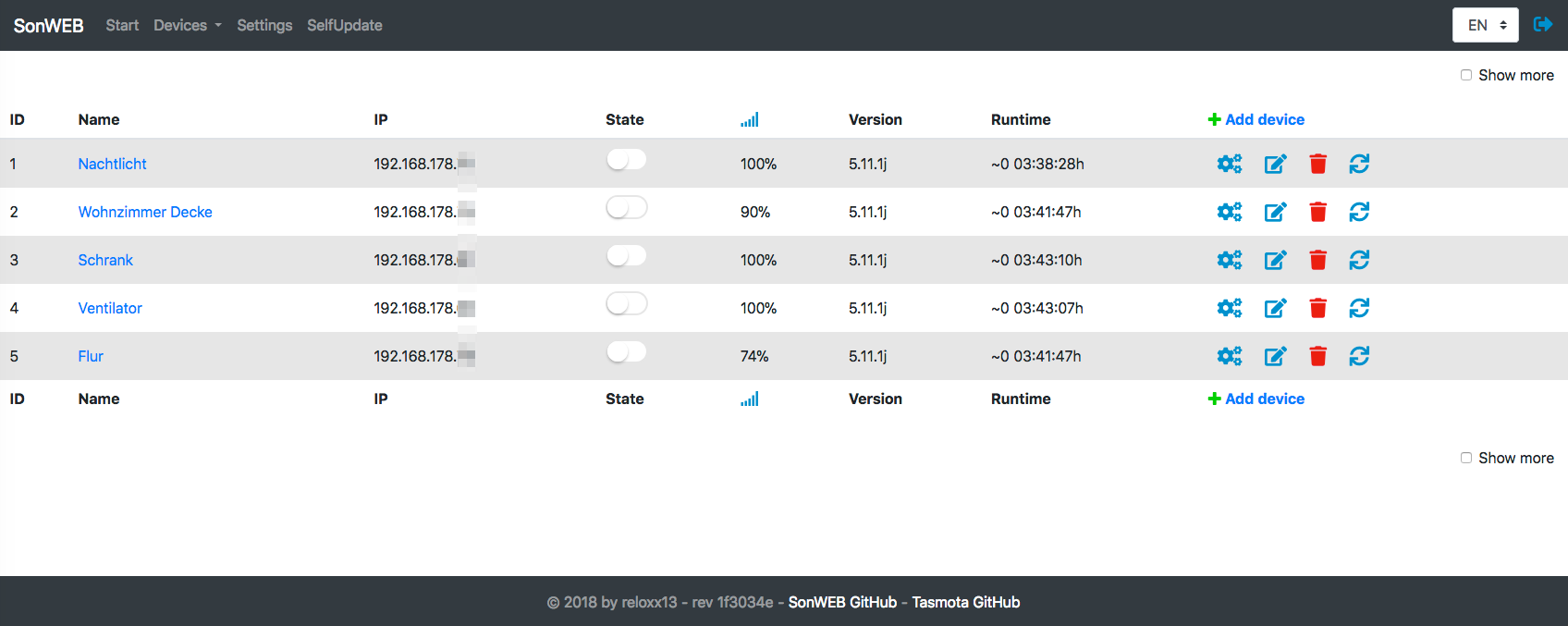
Devices Page~
Devices Add/Edit Page~
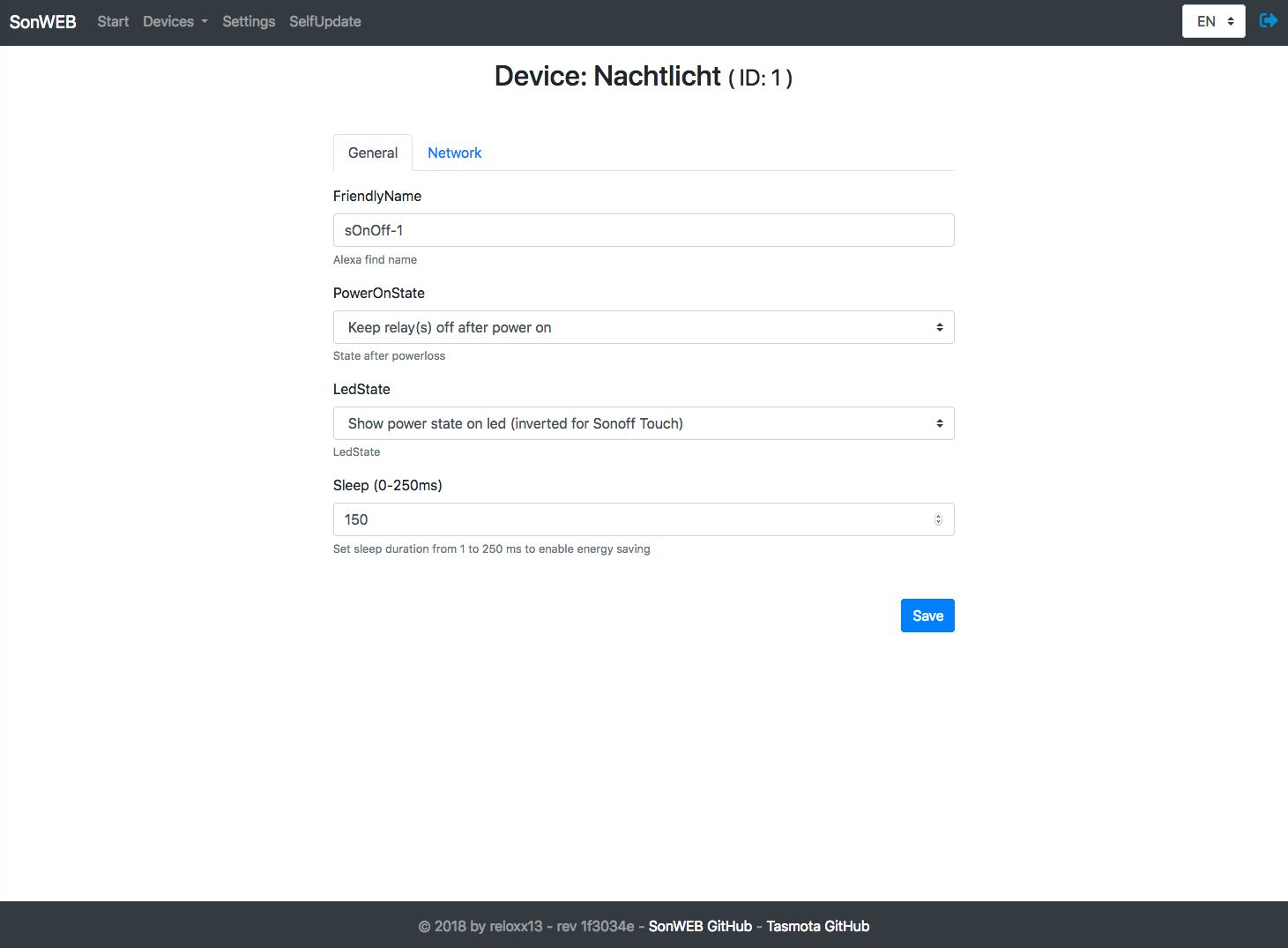
Config General Page~
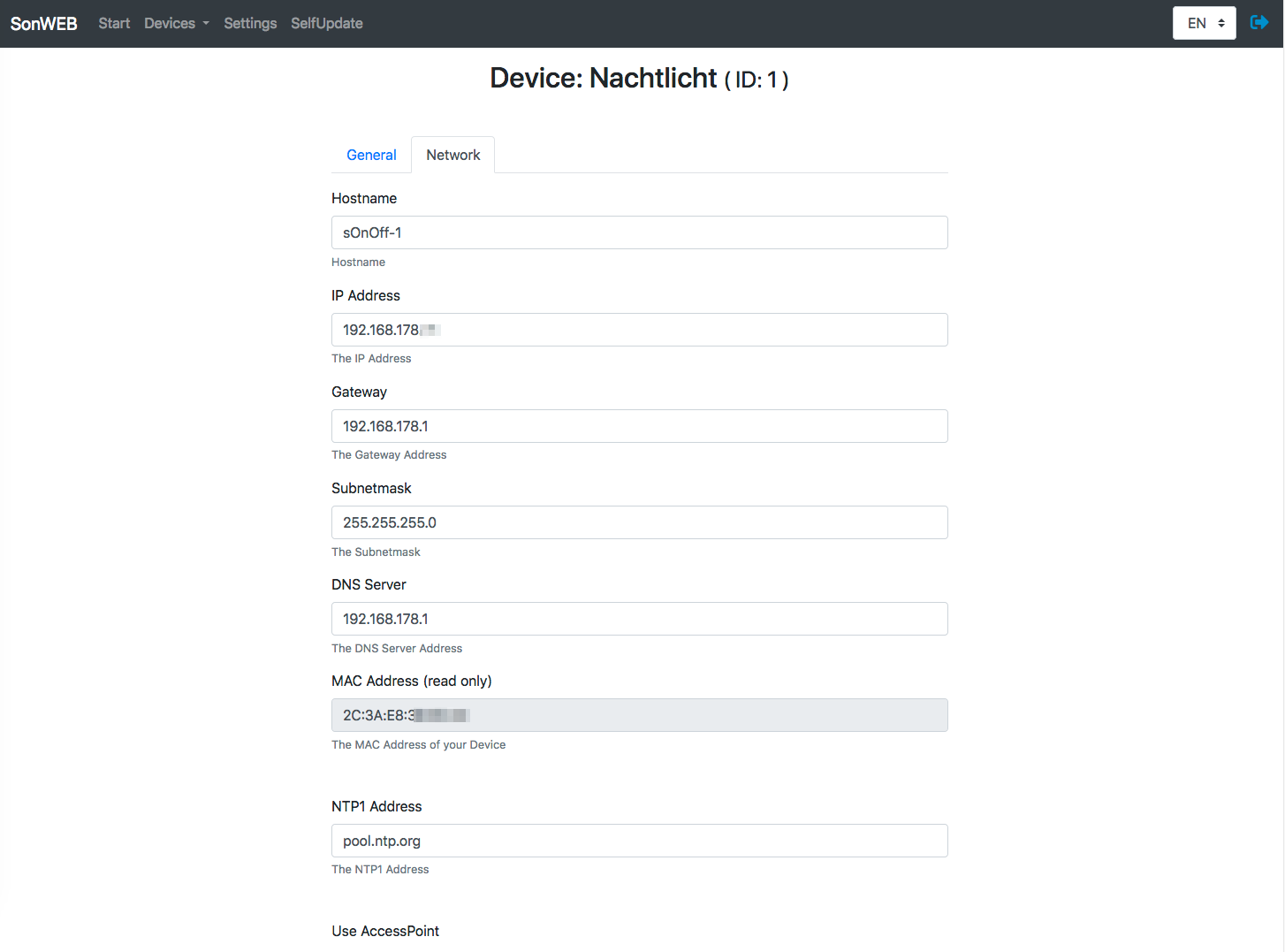
Config Network Page~
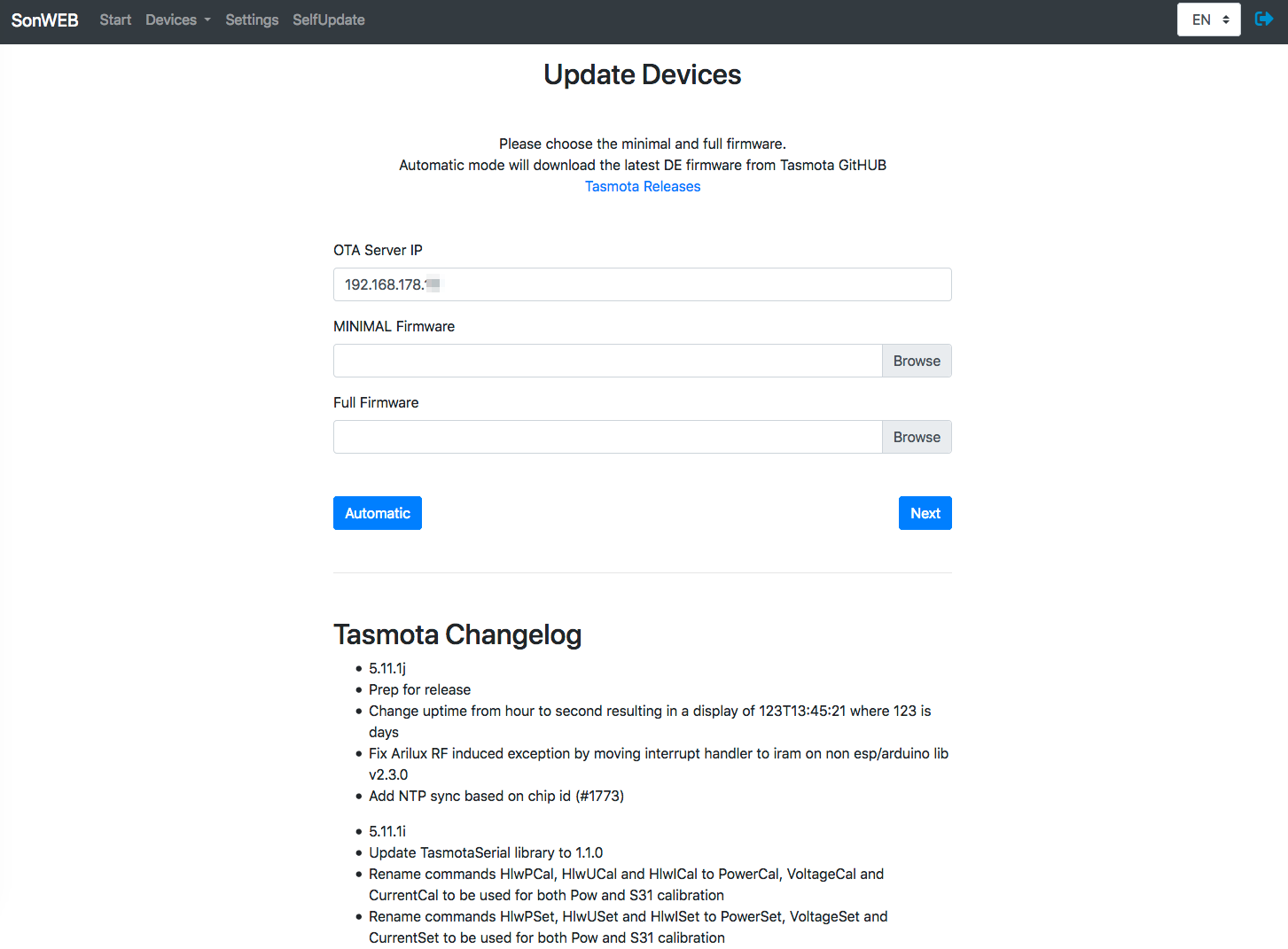
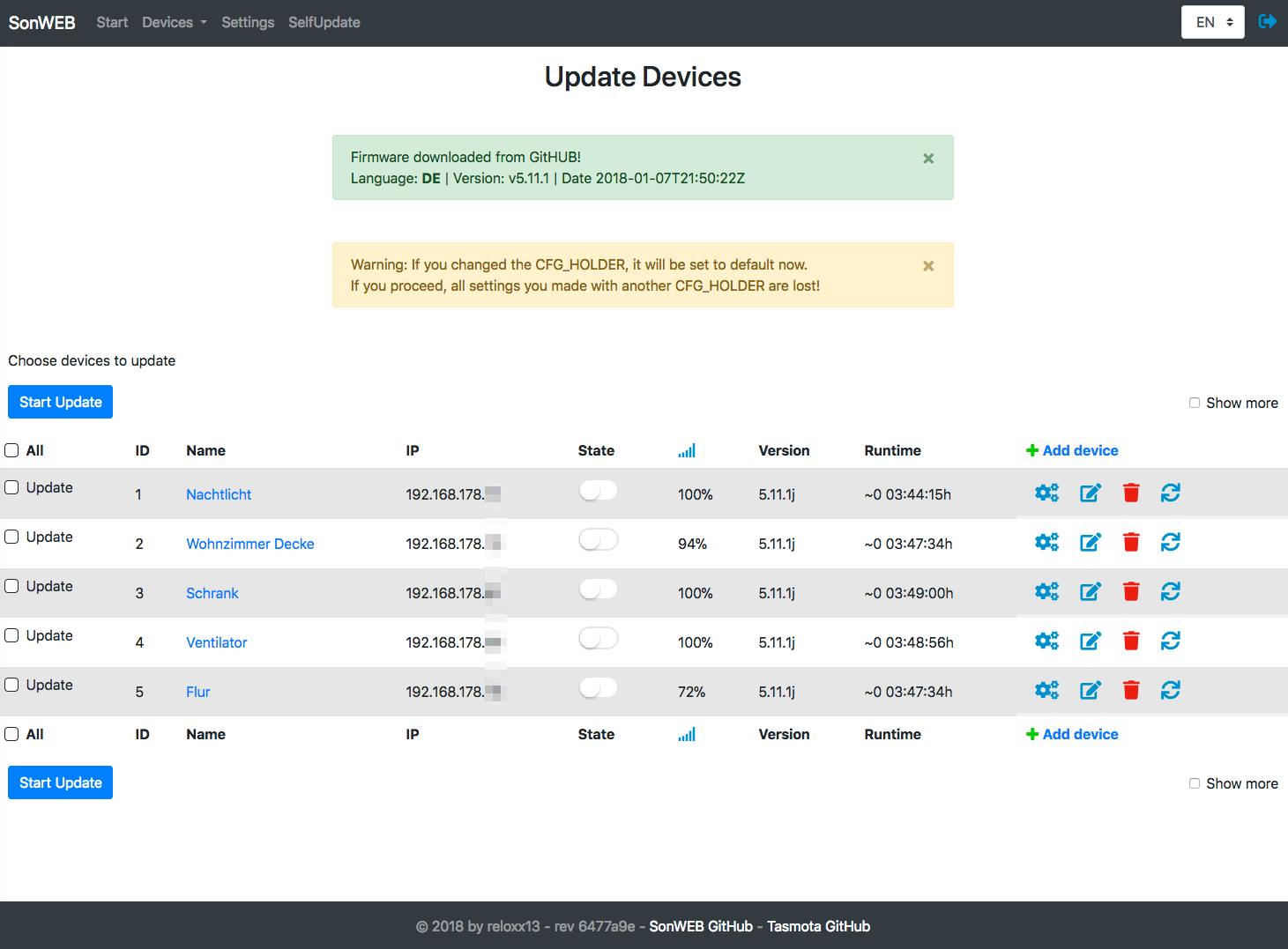
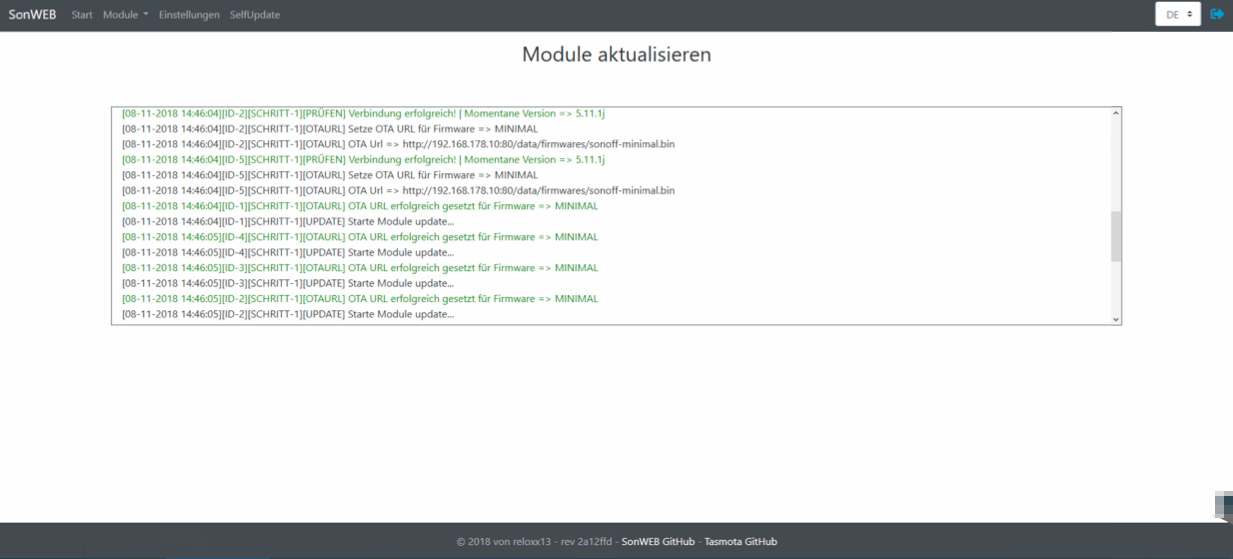
Update Devices Page~
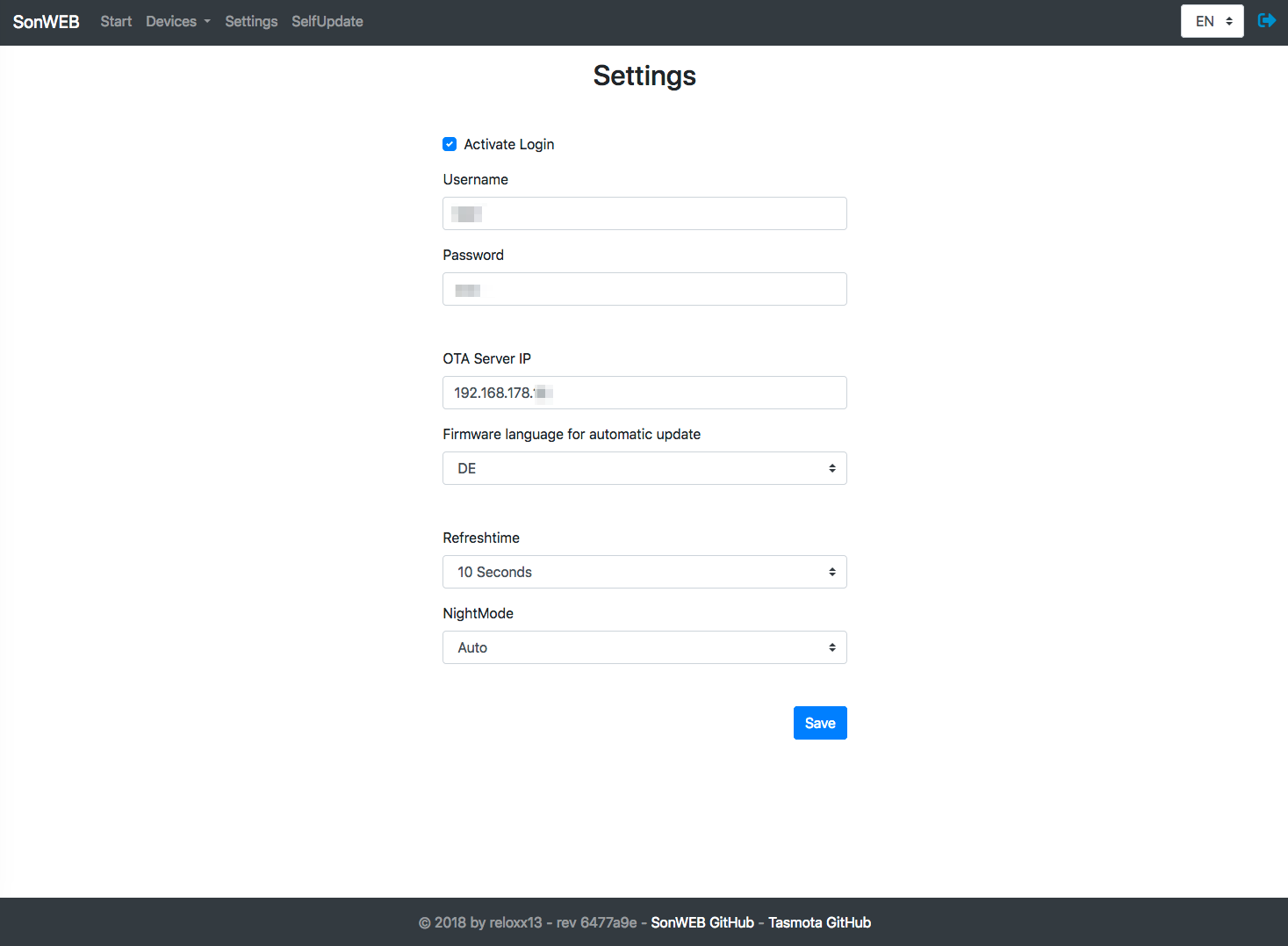
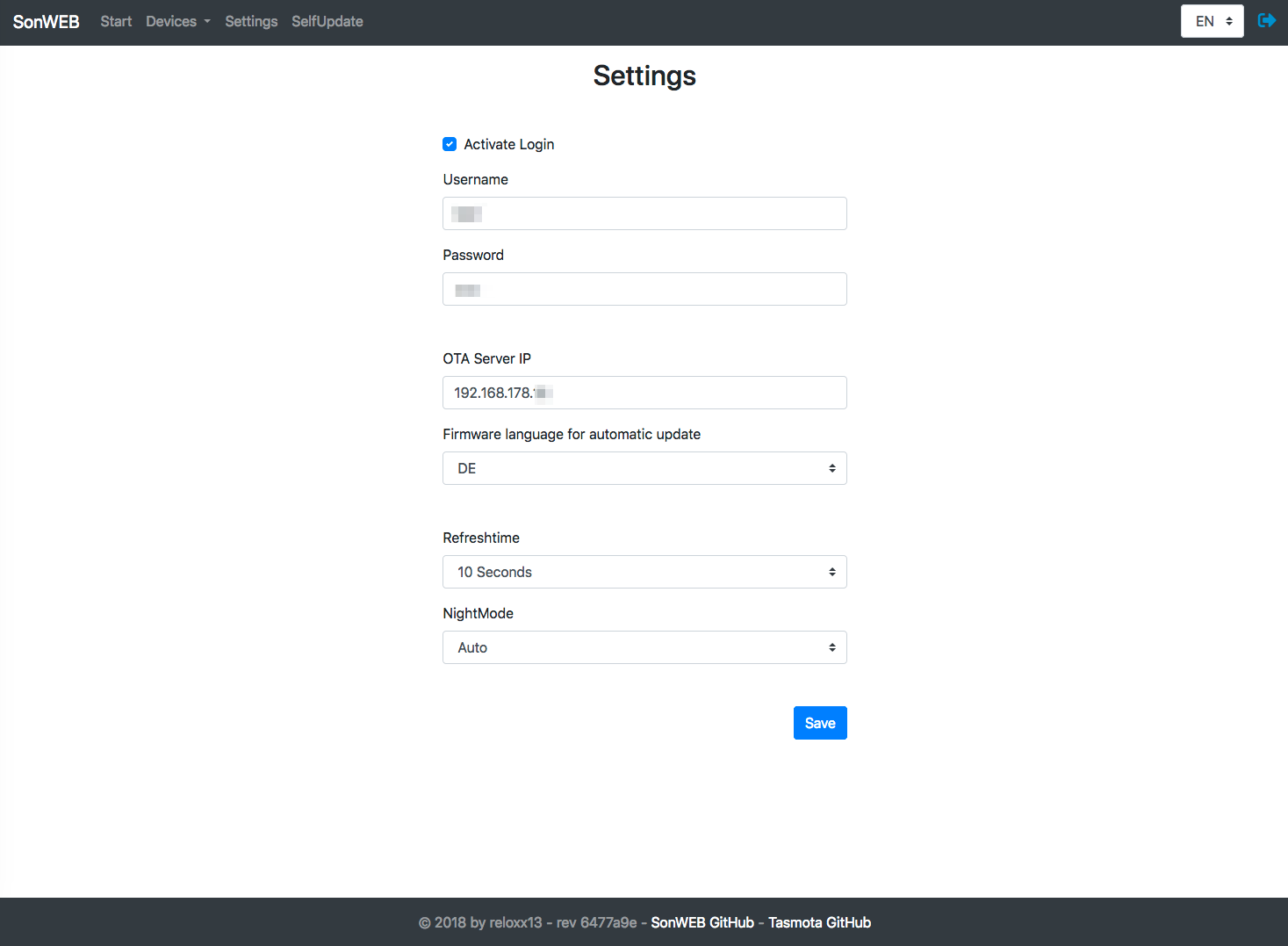
Settings Page~
Mobile~